

|
2619| 21
|
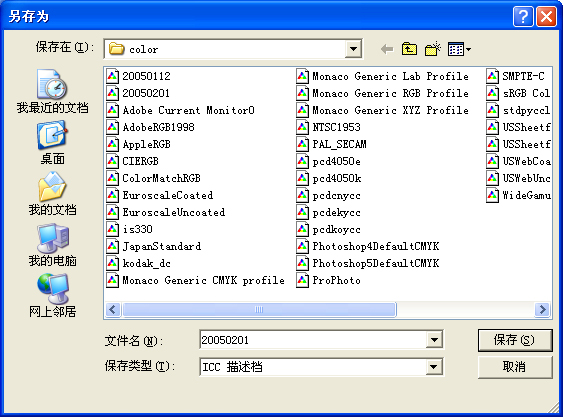
用Adobe Gamma校准显示器的教程 |

 IP卡
IP卡 狗仔卡
狗仔卡 发表于 2007-10-4 05:07:51
 显身卡
显身卡 楼主
楼主
Powered by Discuz! X3.5© 2006-2026 Comsenz Inc. GMT+8, 2026-8-10 22:49 , Processed in 0.047419 second(s), 19 queries . |
|
2619| 21
|
用Adobe Gamma校准显示器的教程 |
Powered by Discuz! X3.5© 2006-2026 Comsenz Inc. GMT+8, 2026-8-10 22:49 , Processed in 0.047419 second(s), 19 queries . |
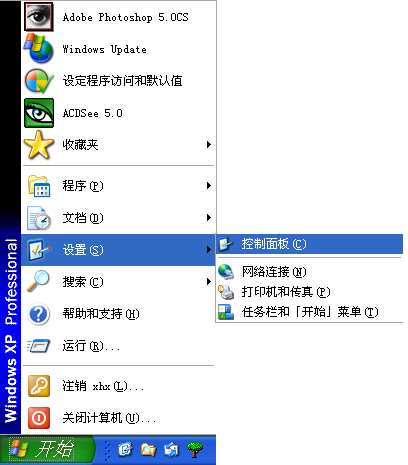
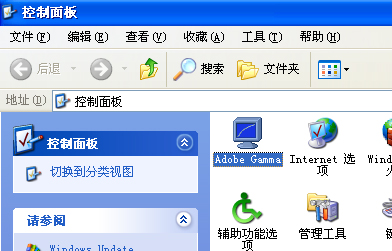
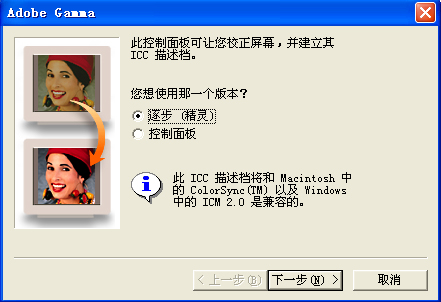
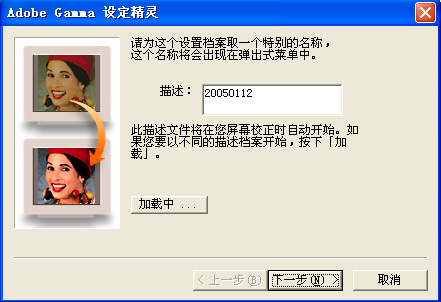
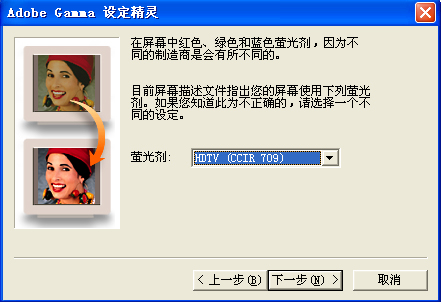
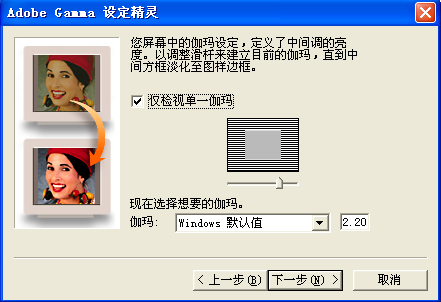
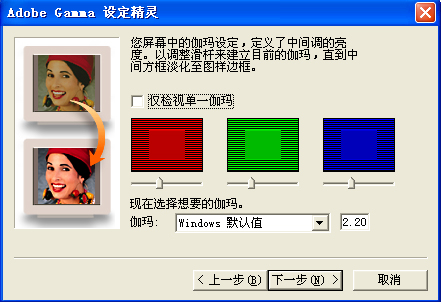
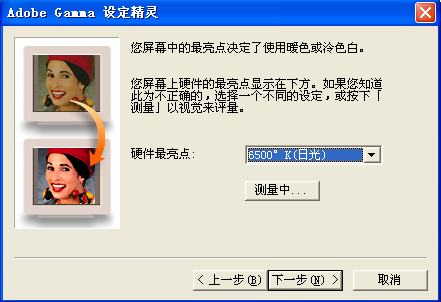
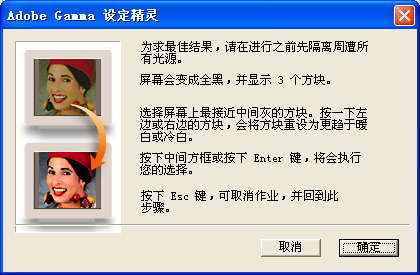

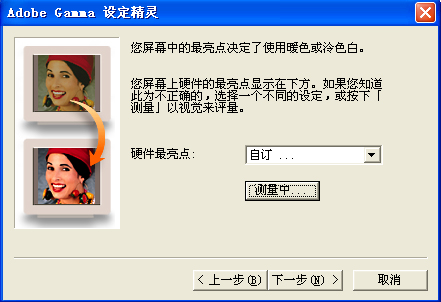
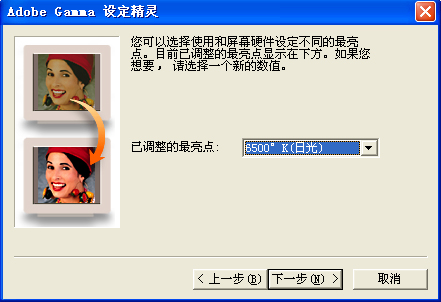
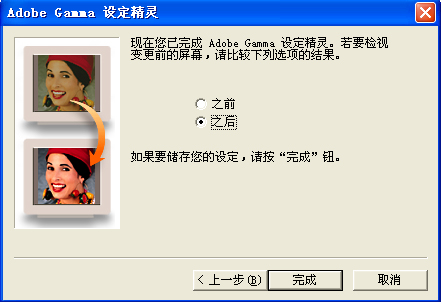
 提升卡
提升卡 置顶卡
置顶卡 沉默卡
沉默卡 喧嚣卡
喧嚣卡 变色卡
变色卡
